Search New
Type an artist or title and search SoundCloud or YouTube right inside the app. Download the results with one click – no copying links.
Version 1.1.2 · Windows 10 and 11 (64-bit)
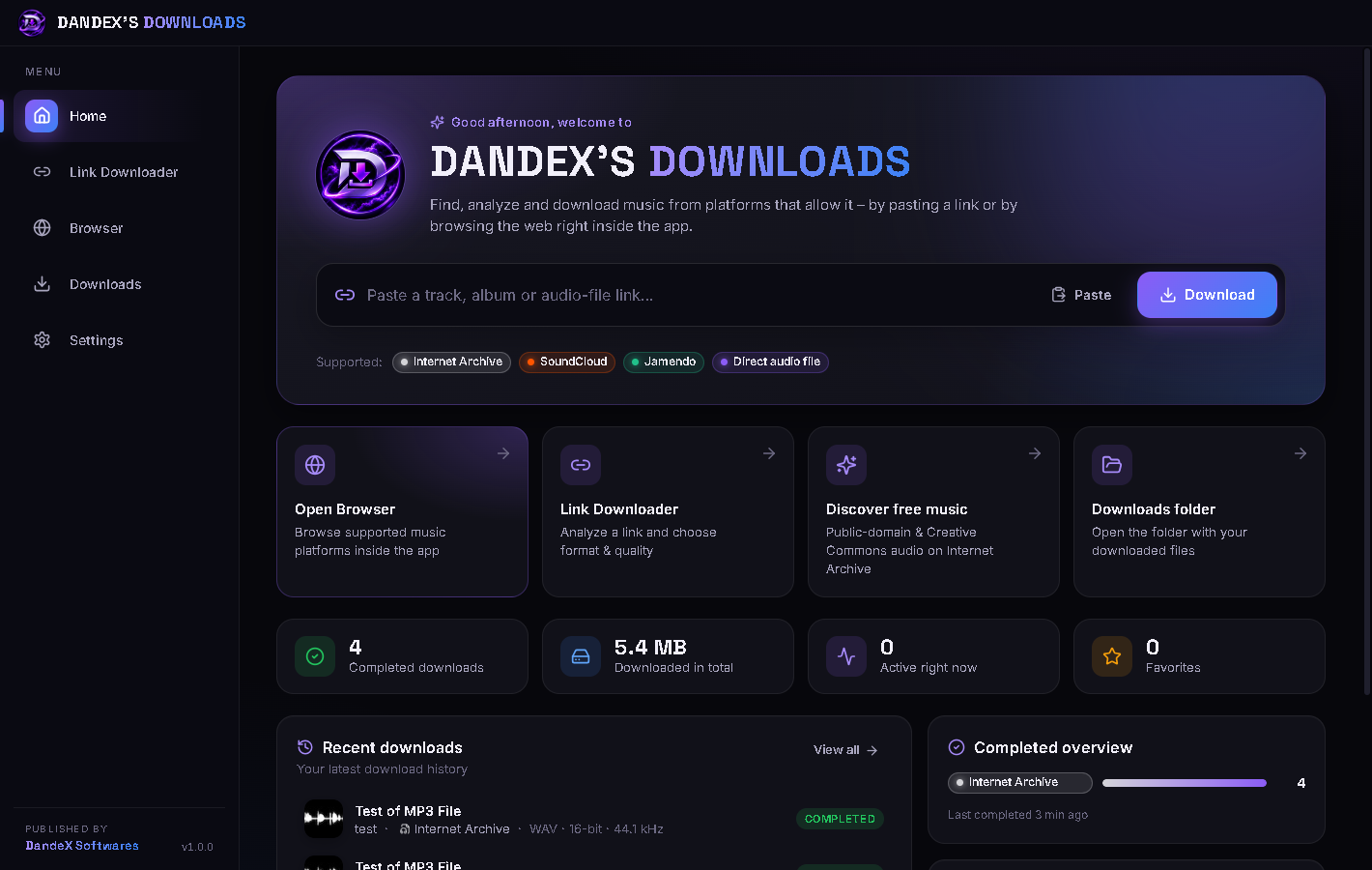
Search for a track, paste a link, a whole SoundCloud profile or a list of links. Dandex downloads the tracks, converts them to WAV, FLAC, MP3 and more, and adds the cover art and tags. No API keys, no setup.
The app is Windows-only for now. You can send the link to a Windows PC.
Features
Six screens in English and Czech: home, search, link downloader, browser, download manager and settings.
Type an artist or title and search SoundCloud or YouTube right inside the app. Download the results with one click – no copying links.
Paste a link to a profile, its tracks, albums, reposts or likes and download the whole list (up to 500 items). Tracks you already have are skipped.
Finished files get the title, artist, album and cover (MP3, M4A, FLAC; tags only for WAV) – they look store-bought in your library and DJ software.
Paste a link to a track, set or album. The app detects the platform, shows the cover, artist and length and downloads with one click.
Dozens of links at once: one per line, or load them from a TXT file. Comments with #, duplicates and tracks you already have are skipped.
Every download is converted to the format you choose: WAV up to 24-bit / 96 kHz, FLAC, MP3 up to 320 kbps, M4A, OGG or Opus.
Browse music sites inside the app. When a page offers a Download button, the file lands in the download manager and is converted right away.
Queue, parallel downloads, speed and time left, pause and resume even after a restart. Files are never overwritten.
yt-dlp and ffmpeg are bundled. Install, paste a link and download. yt-dlp updates itself once a week.
Output format
Choose the format and quality in Settings. Every finished file is converted automatically and gets the title, artist, album and cover. The default is WAV 16-bit 44.1 kHz, ideal for DJ software.
Screenshots
Sources
Paste a link to a track, album, playlist or profile. Dandex picks the best available quality.
Public-domain and Creative Commons recordings, whole items or single files.
Tracks, sets, whole profiles and likes in the best stream quality. When the creator enabled the Download button, the original is downloaded too.
Videos, songs and playlists. The best audio track is downloaded and converted to your format.
Tracks and albums in the quality Bandcamp streams (MP3 128 kbps).
Creative Commons music, downloaded with Jamendo’s own button in the built-in browser.
A link straight to an .mp3, .flac, .wav, .ogg, .m4a, .opus file and more.
Recognised, not downloaded: Spotify, Apple Music, Deezer, TIDAL and Amazon Music. Their audio is encrypted, so the app offers the official page instead.
Install
FAQ
Some tracks (for example SoundCloud Go+ only) have an encrypted stream or are not available in your country. Everything else Dandex downloads in the best available quality.
No. “Download all” leaves out tracks you already have or that are queued, and those tracks show “Already downloaded”. A single track can still be downloaded again with “Download again”; skipping can be turned off in Settings.
No. Converting a lossy source to WAV or FLAC adds no quality, it only changes the file format your DJ software works with. The best results come from sources marked Lossless or Original.
The installer is not digitally signed yet (no code-signing certificate), so SmartScreen shows a notice. You can verify the file with the SHA-256 fingerprint in the Install section.
No. Everything the app needs (yt-dlp and ffmpeg) is part of the installation.
English and Czech. Czech and Slovak Windows start in Czech, everything else in English. Switch in Settings → Appearance.
The default folder is Music\Dandex's Downloads. Change it in Settings → Storage.
The app is ready for it, but only the Windows version is released for now.

Version 1.1.2 for Windows 10 and 11 · 160,1 MB
Download Dandex's DownloadsThe app is free. If it helps you, you can support further development.
Support development via PayPal